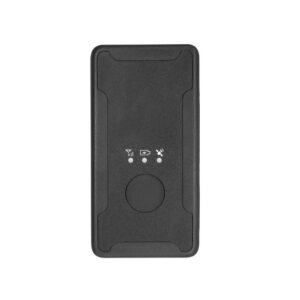
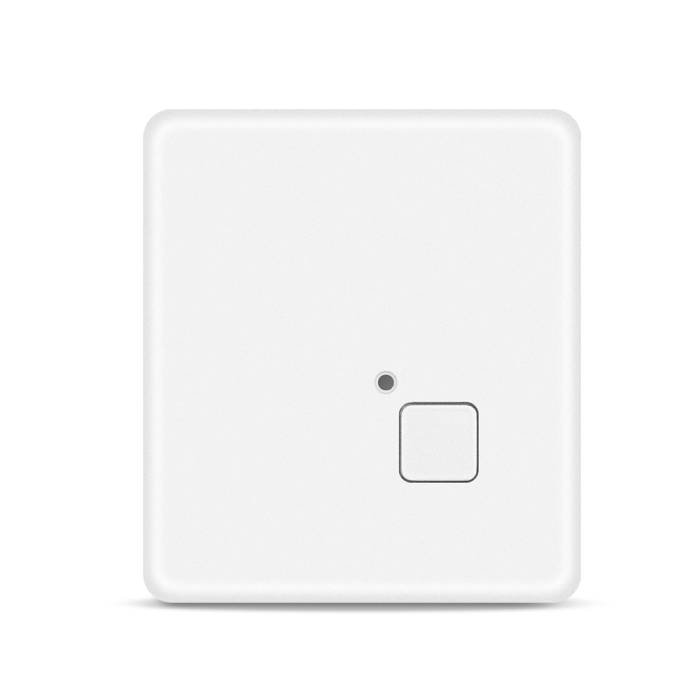
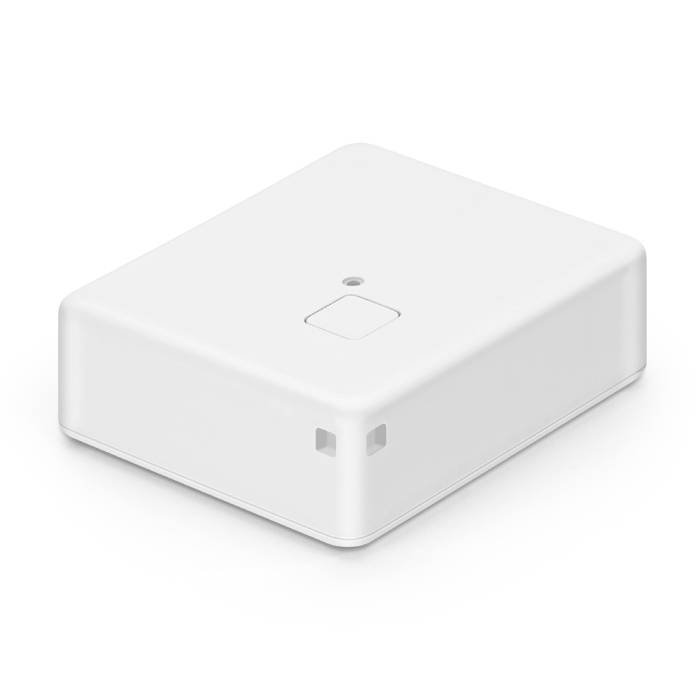
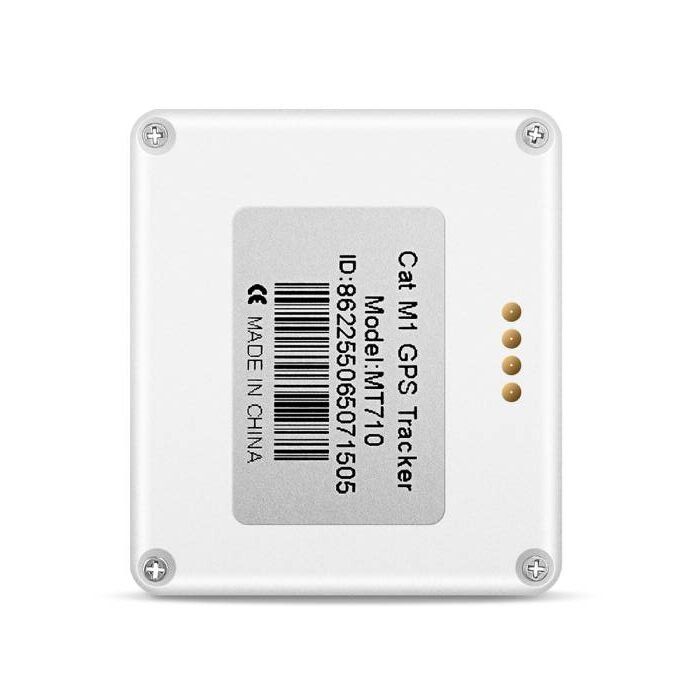
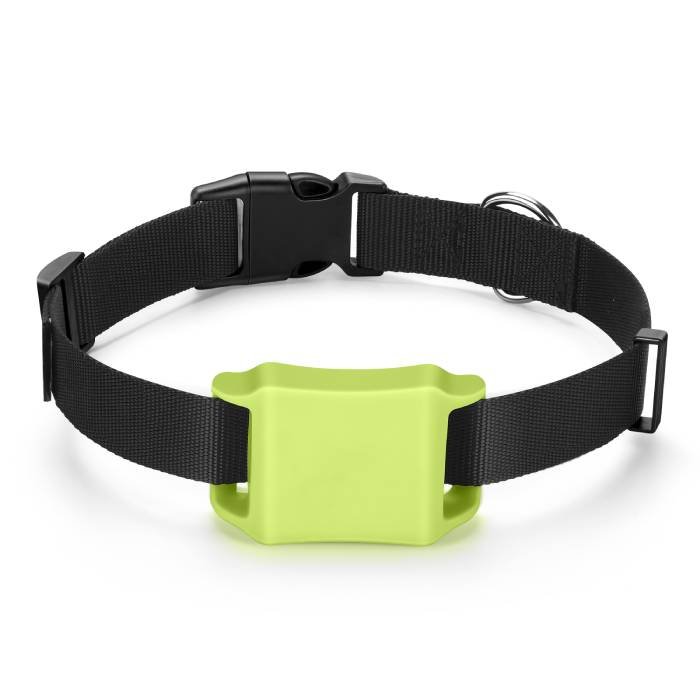
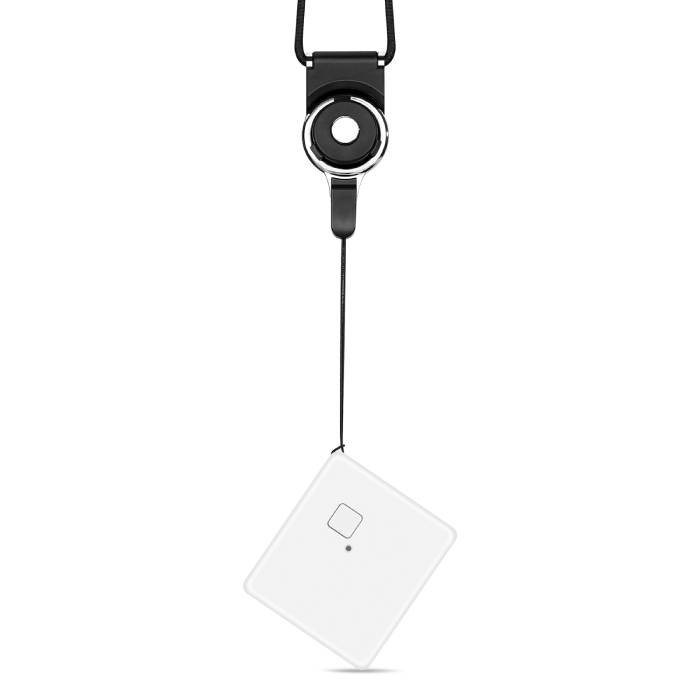
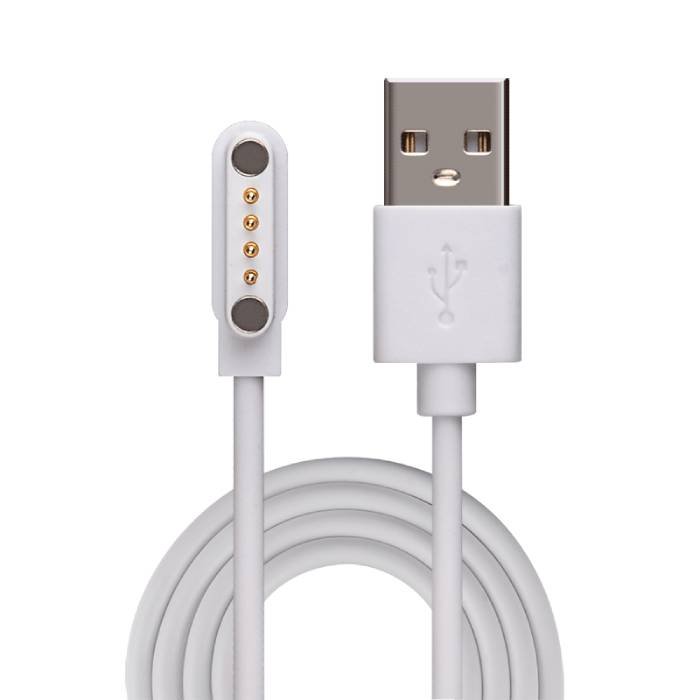
MT710 is an IP68 waterproof GPS tracker that uses LTE-M & NB-IoT technology, which can provide super-low power consumption of up to 1-year standby time powered by internal batteries. Users can track the unit in real-time via their mobile phone or PC anytime, anywhere. It has been widely used in sports events, personal, pets, asset tracking, and other industries.
1. Features
- LTE-M & NB-IoT with 2G fallback
- 12 months battery life
- IP68 Waterproof
- Live tracking
- Low Power Alarm
- SOS alerts
- Charging alert
- Smart Motion Detection
- Scheduled Timing Report
- GPS+WiFi+LBS Positioning
- Support XTRA (Assisted GPS)
- Programmable via Web/USB/SMS
- Open Protocol & Easy to Integrate
2. Applications
- Sports Events
- Personal Tracking
- Pets Tracking
- Asset Tracking
3. In the box
Standard Accessories
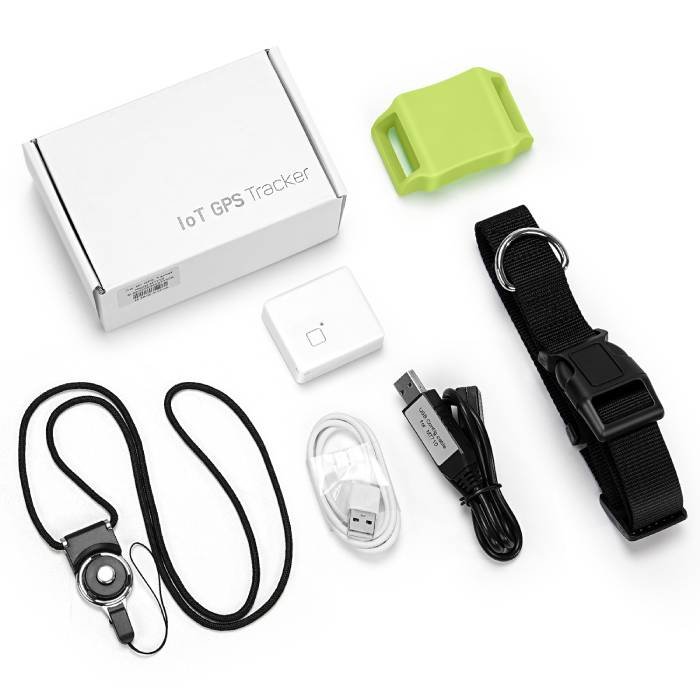
- 1* MT710 GPS Tracker (white)
- 1* Magnetic charging cable (white)
Optional Accessories
- 1* Pet Collar(black)
- 1* Silicone Case (Glow in the Dark )
- 1* Lanyard (black)
- 1* USB Config Cable (black wire)
Note: For each order (regardless of quantity), we will provide only one free USB config cable. If you need more USB Config cables, you can order them on the USB Config Cable page.
4. Specification
| Dimension | 46mm*41mm*16mm (1.81ʺ *1.61ʺ *0.62ʺ) |
| Weight | 37g (1.31oz) |
| Power Connector | Magnetic USB Charging DC 5V |
| Backup battery | 3.7 V 650mAh |
| Frequency bands | LTE-M (Cat M1): B1/B2/B3/B4/B5/B8/B12/B13/B18/B19/B20/B26/B28 NB-IoT: B1/B2/B3/B4/B5/B8/B12/B13/B18/B19/B20/B26/B28 GSM: 850/900/1800/1900Mhz |
| Positioning | GPS, WiFi, LBS (AGPS Supported) |
| GPS sensitivity | -162dBm |
| Channel | 56 |
| Positioning Accuracy | 5-10m |
| Cold Start | 30s |
| Warm start | 15s |
| Hot start | 1s |
| Working temperature | -20°C to +60°C (-4°F to +140°F) |
| Humidity | 5% to 95% non-condensing |
| Antenna | Internal LTE-M & NB-IoT, GPS and WiFi antennas |
| Sensor | 3D accelerometer sensor |
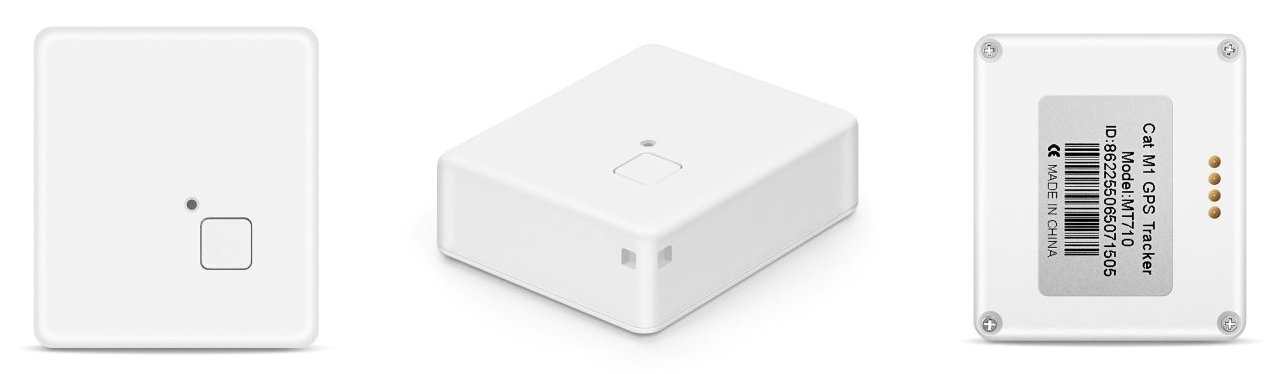
| LED | RED(Charge), BLUE(Cellular), GREEN(GPS) |
| Waterproof | IP68 |
| SIM Card interface | Nano 4FF SIM |
| Protocol | TCP, UDP, SMS |
| Battery Life | >12 Months |
5. Interface
6. Installation
- Check the LED status until access to the LTE-M or NB-IoT network.
- Get ready a Nano SIM Card (LTE-M or NB-IoT) with 30MB data a month;
- Open the back cover with the screwdriver;
- Insert SIM Card and close the back cover
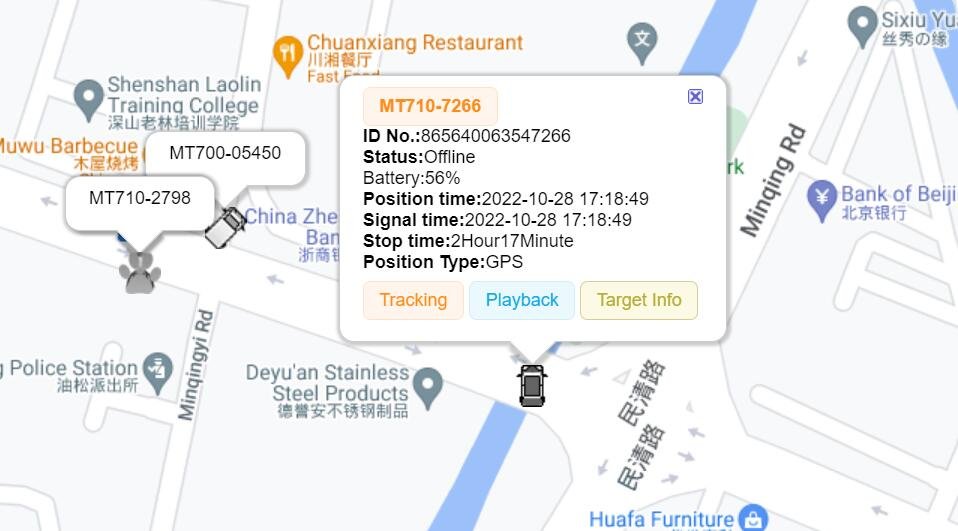
7. GPS Tracking Platform
- http://www.trackits.com (Click “Demo” auto-login)
8. User Manual & Catalog
- User Manual
- Catalog
- Protocol
- Working Mode
- Commands List
- FCC & CE Certification (contact us to get the certification)
9. Battery life (Backup battery is 650mAh and based on Mode 3)
- 1 hour report interval, work for 18 days
- 2 hours report interval, work for 47 days
- 3 hours report interval, work for 78 days
- 4 hours report interval, work for 85 days
- 6 hours report interval, work for 98 days
- 8 hours report interval, work for 128 days
- 12 hours report interval, work for 273 days
- 24 hour report interval, work for 365 days
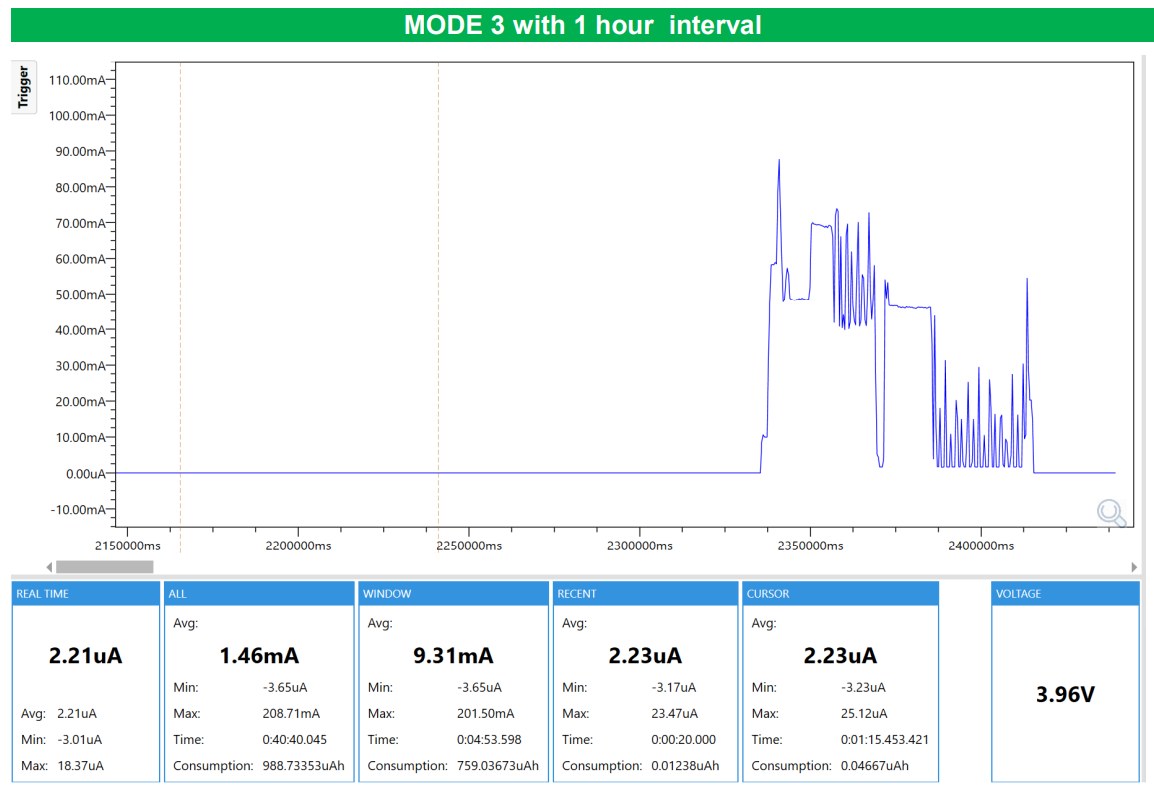
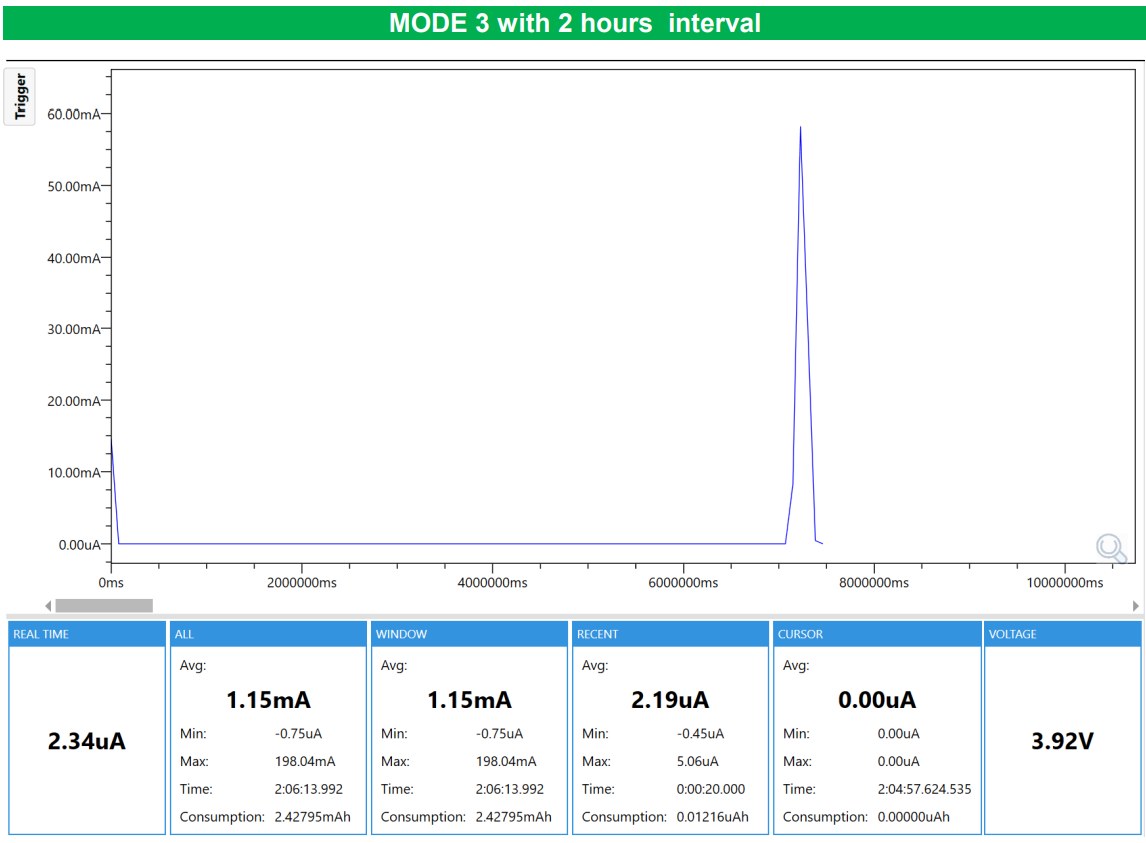
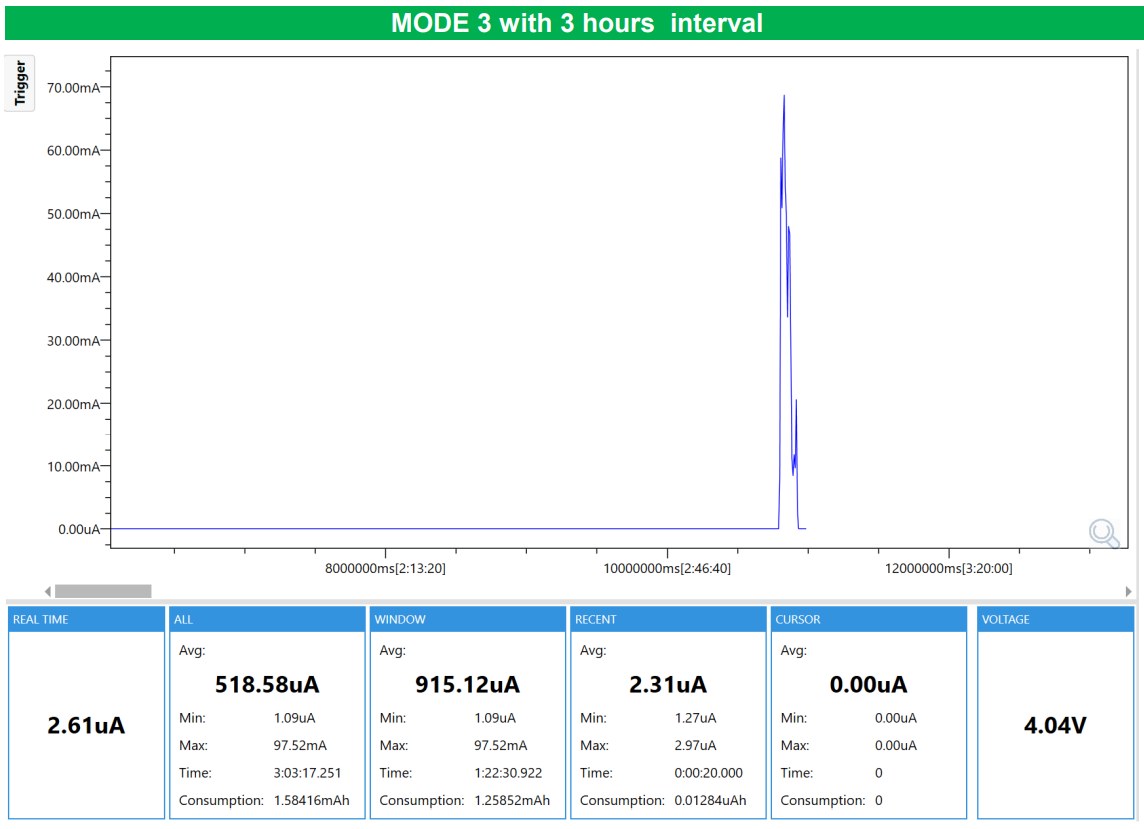
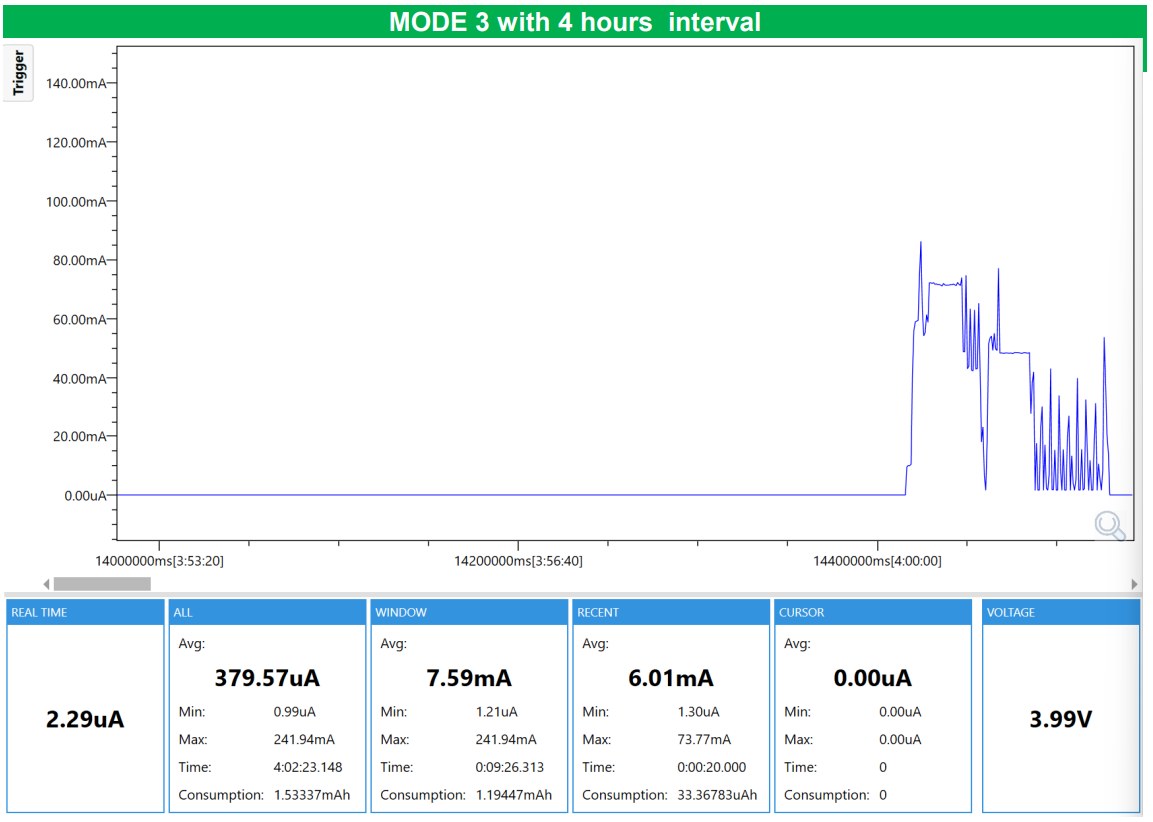
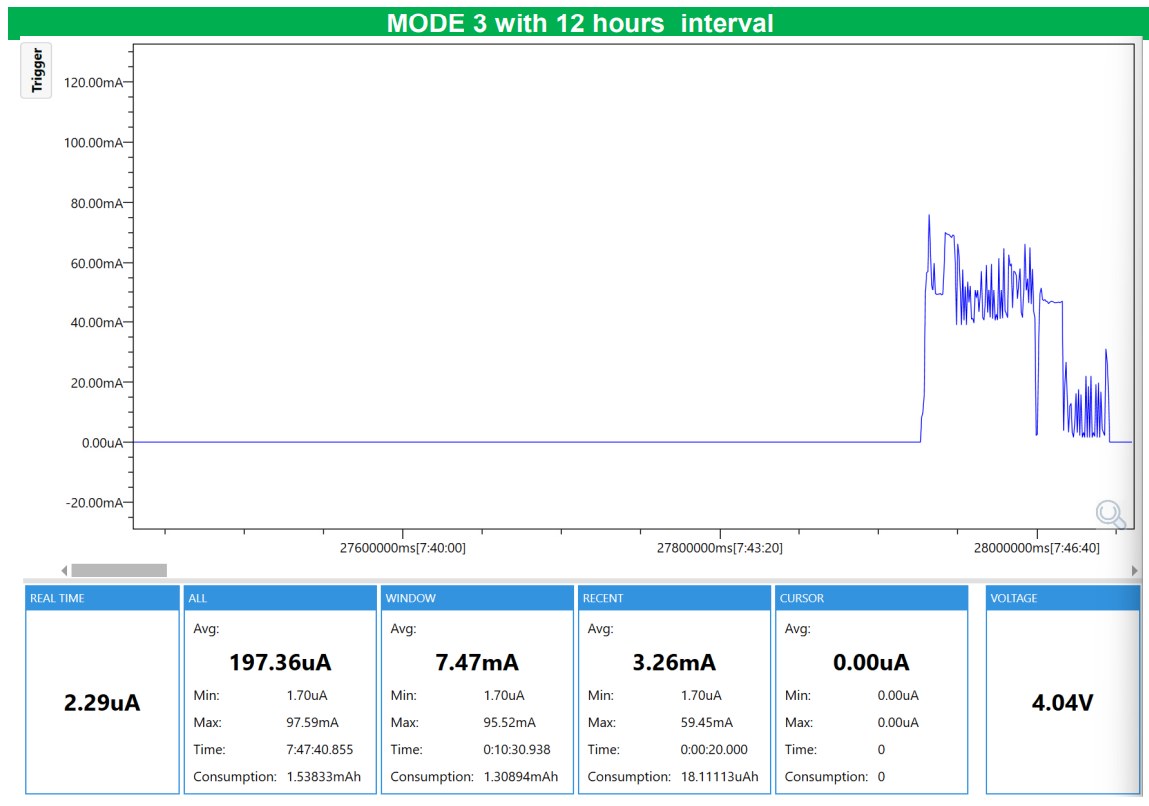
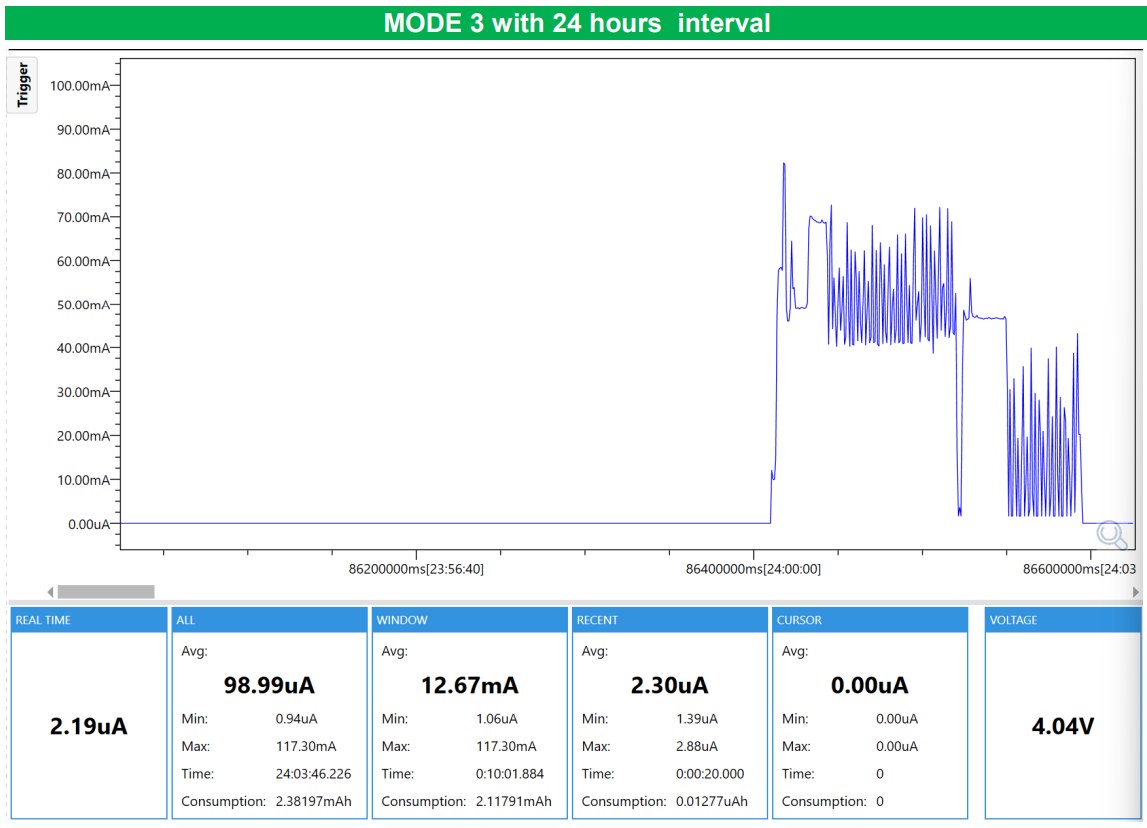
For more information on battery life testing, please review MT710 Battery Life Test.
10. Real Battery Life Test
- We have taken one MT710 in our office for the real long battery life test.If you want to check the test results, please click the link: https://forum.mictrack.com/public/d/7-mictrack-mt710-battery-life-real-test
11. FAQ:
- Q: What are the delivery and shipping times?
- A: Orders ship within 2–3 business days after payment (weekends and public holidays excluded). Priority Shipping takes 7–10 days. Free Shipping (18–25 days) is available in selected countries. The options for your country are shown at checkout.
- Q: Can I integrate the device with a third-party server?
- A: Yes, our protocol is open: download the communication protocol (PDF). After integration, the device will communicate directly with your server and no longer report data to our server.
- Q: Do you have a free tracking platform available for testing?
- A: Sure, the MT710 is already compatible with Traccar (port 5030), gps-trace(port 30184 ), gpwox(port 6030).
- Q: Does the item include a SIM card and tracking platform service?
- A: If you choose our SIM Card Plan, we will send you the device with a Mictrack IoT SIM Card. If you want to use our tracking platform, subscribe to the Mictrack tracking platform service. Of course, you can buy an IoT SIM Card locally, but make sure it supports LTE-M or NB-IoT networks. The protocol is open and can also integrate with any third-party platform.
- Q: SOS Button function?
- A: Press for 3 seconds to report SOS and press for 8 seconds to power on/off.
- Q: Which SIM card is best for this GPS tracker?
- A: Get an LTE-M (also called Cat M1) or NB-IoT SIM card that supports data service with 30MB/month. We recommend the Mictrack IoT SIM Card. A band match is necessary but not sufficient: the carrier must also have LTE-M or NB-IoT live where you use the tracker.
- Q: Which third-party platforms are compatible with this LTE-M & NB-IoT GPS tracker?
- A: Most third-party platforms are already compatible with the Mictrack MT710. See the list of supported platforms.
- Q: How do I config the device for first-time use?
- A: Since LTE-M and NB-IoT devices need to set up the APN first to register on the network, we must configure the SIM card’s APN to ensure it works. Otherwise, SMS (if supported by the SIM card) and data services will be unavailable, and the tracker will not function. See the USB Config tool setup guide for first-time setup. If you can share your SIM card APN with us, we can config it for you before shipment, so you won’t need to set it up when you receive your MT710.
- Q: What are the supported working modes for the device?
- A: The MT710 currently supports 11 working modes, covering most use cases. You can choose the mode that best suits your needs. For example, MODE 8 (Home mode) is recommended for pet tracking, MODE 0 is better for personal tracking, and MODE 3 is ideal for asset tracking. For more details, please refer to the MT710 Working Mode.
- Q: What are the supported commands for the device?
- A: Here is a list of all the supported commands, including SMS, USB, and Downlink commands. Download the commands list (PDF).
- Q: What protocols are supported by this device?
- A: It supports TCP and UDP.
- Q: What is the procedure for the Home Mode setup?
- A: See how to set up Home Mode.
- Q: What network types are supported by the device?
- A: It supports LTE-M (also called Cat M1), NB-IoT and GSM. It does not support 3G, 4G LTE Cat 1 or Cat 4.
- Q: What frequency bands are supported by the device?
- A: It supports all following bands:
LTE-M (Cat M1): B1/B2/B3/B4/B5/B8/B12/B13/B18/B19/B20/B26/B28
NB-IoT : B1/B2/B3/B4/B5/B8/B12/B13/B18/B19/B20/B26/B28
GSM: 850/900/1800/1900Mhz
- Q: Does the device support network locking? If so, how can it be done?
- A: yes, you can lock the device to LTE-M, NB-IoT, LTE-M & 2G, or NB-IoT & 2G.
- How to Calculate Battery Voltage into Percentage?
- A: See how to convert battery voltage to percentage.
- Q: How to track my order?
- A: Open the order tracking page and enter your order number (for example #2023) and your email.
- Q: Still questions?
-
If you have any issues please feel free to discuss on Mictrack Forum. Our engineers will reply within 12 hours.